Kill Animal Hospital in Forest PC and Mobile Controls
The binds and HUD habits that decide whether a cheap gun actually hits.
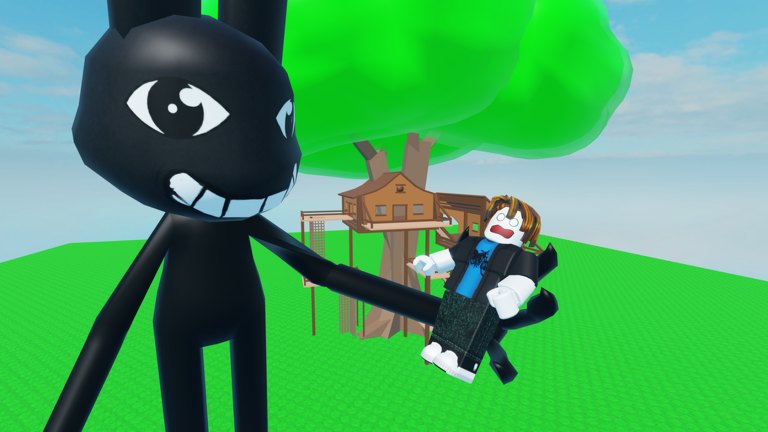
Kill Animal Hospital in Forest uses standard Roblox character movement plus a weapon shop HUD. There is no published custom rebind screen beyond Roblox’s own settings. This page is still worth a read because most “the gun is bad” complaints are camera, jump, and shop-button problems — especially on phones.
PC defaults
- WASD move, Shift sprint if the map enables it, Space jump.
- Mouse 1 fire. Hold for automatic guns (Uzi, Minigun, TommyGun); click for slower rifles and snipers.
- R reload if the tool uses a reload; some laser-style passes fire from a battery and skip the mag animation.
- E or ProximityPrompt is the usual Roblox interact for shop buttons and morph stands. Face the prompt; do not spam from ten studs away.
- 1–9 or the toolbar switches tools if you own more than one gun. Unequip before you open shop so you are not firing into the GUI.
- Tab or the Roblox leaderboard shows who else is on the ten-player server. Useful before you decide to contest a farm lane.
If mouse-look feels sluggish, raise camera sensitivity in Roblox Settings rather than buying a sniper you cannot flick. AWP and Tactical AWP are lane weapons; they feel “broken weak” on low sensitivity. Rank them on the weapons tier list only after your camera is sane.
Mobile defaults
- Left thumb stick moves. Keep it on the lower third so your fire thumb has a lane.
- Jump is the silent killer. Bind jump away from fire if you keep hopping in melee — see how to survive.
- Auto-fire / tap-to-shoot depends on your Roblox experience settings. If shots eat the shop button, disable accidental GUI clicks by buying, then immediately dragging the camera off the billboard.
- Shift-lock is PC-biased. On phone, practice strafing with the stick instead of spinning the whole camera for every NPC.
Landscape mode gives you more forest. Portrait mode hides killers at the top of the tree line. Rotate before you farm.
Shop and pass HUD
Gamepasses such as Ray Gun, Become a Animal, and +1.5x Coins sit on the Roblox store pane and often on an in-world board. Opening that board is the most common AFK death. The getting started checklist says it already: buy, then move. If you came to redeem something, there is still no verified codes field — how to redeem explains where it would appear.
Accessibility and performance
The map is small but foliage plus ten characters plus tracers will drop frames on old phones. Lower graphics until NPC silhouettes stay readable. A 20 FPS RayGun still loses to a 40 FPS Uzi because you cannot track melee swings. Fullbright scripts are not a “control.” They are exploits; the scripts safety page covers why we will not recommend them.
Practice drill (two minutes)
Spawn, do not buy. Walk a circle around the plaza while only strafing. Then buy a cheap gun and fire only while moving. If you cannot hit a stationary tree, fix camera before you farm. Then go to how to farm coins and run the circuit. Controls are solved when the gun is boring.
If a friend is teaching you, share this page instead of shouting “just click.” The binds are simple; the HUD timing is not.
Frequently Asked Questions
Quick answers to the most common questions.
Can I rebind keys inside the game?
Use Roblox Settings for camera and shift lock. The experience does not publish a unique keybinder beyond standard tools.
Why do I jump every time I shoot on mobile?
Your jump and fire buttons overlap. Separate them and stop using jump as a melee panic tool.
How do I open the shop?
Walk up to the in-world shop prompt or use the experience store pane for Robux passes. Face the prompt and wait for it to highlight.
Does controller work?
Roblox controller support follows the client. Aim is harder than mouse; pick close-range guns until you can track killers without gyro.